Find and Join a Team in Microsoft Teams
Summary
Find and Join a Team in Microsoft Teams
Body
Join a specific team
-
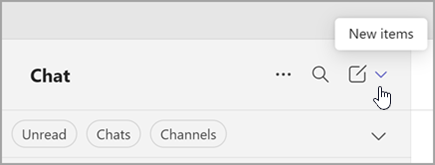
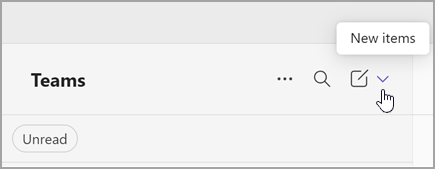
On the left side of the app, select Chats  . If using the separate view, select Teams
  .
.
-
Select New items from above your list of chats and channels.
-
Select Join team  .
.
-
In the Type to search box, type the name or topic of the team.
-
Point to the team tile to reveal and select Join team.
From your list of channels, at the top, select More options  . From there, you can create a new team, browse existing teams to join, or join a team with a code (if you have one).
Details
Details
Article ID:
167830
Created
Fri 6/27/25 2:35 PM
Modified
Wed 7/9/25 2:45 PM