Use a Link or Code to Join a Team in Microsoft Teams
Summary
Use a Link or Code to Join a Team in Microsoft Teams
Body
Use a link
Go to a web browser and paste the link.
Use a code
-
Select New items from the drop-down at top of your list of chats and channels. 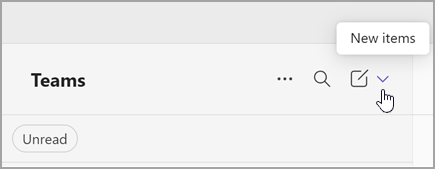
-
Select Join team 
-
Under Join a team with a code, type or paste the code in the Enter join code box and then select Add team.
Details
Details
Article ID:
167846
Created
Fri 6/27/25 4:45 PM
Modified
Wed 7/9/25 11:58 AM